 Image 1 of 5
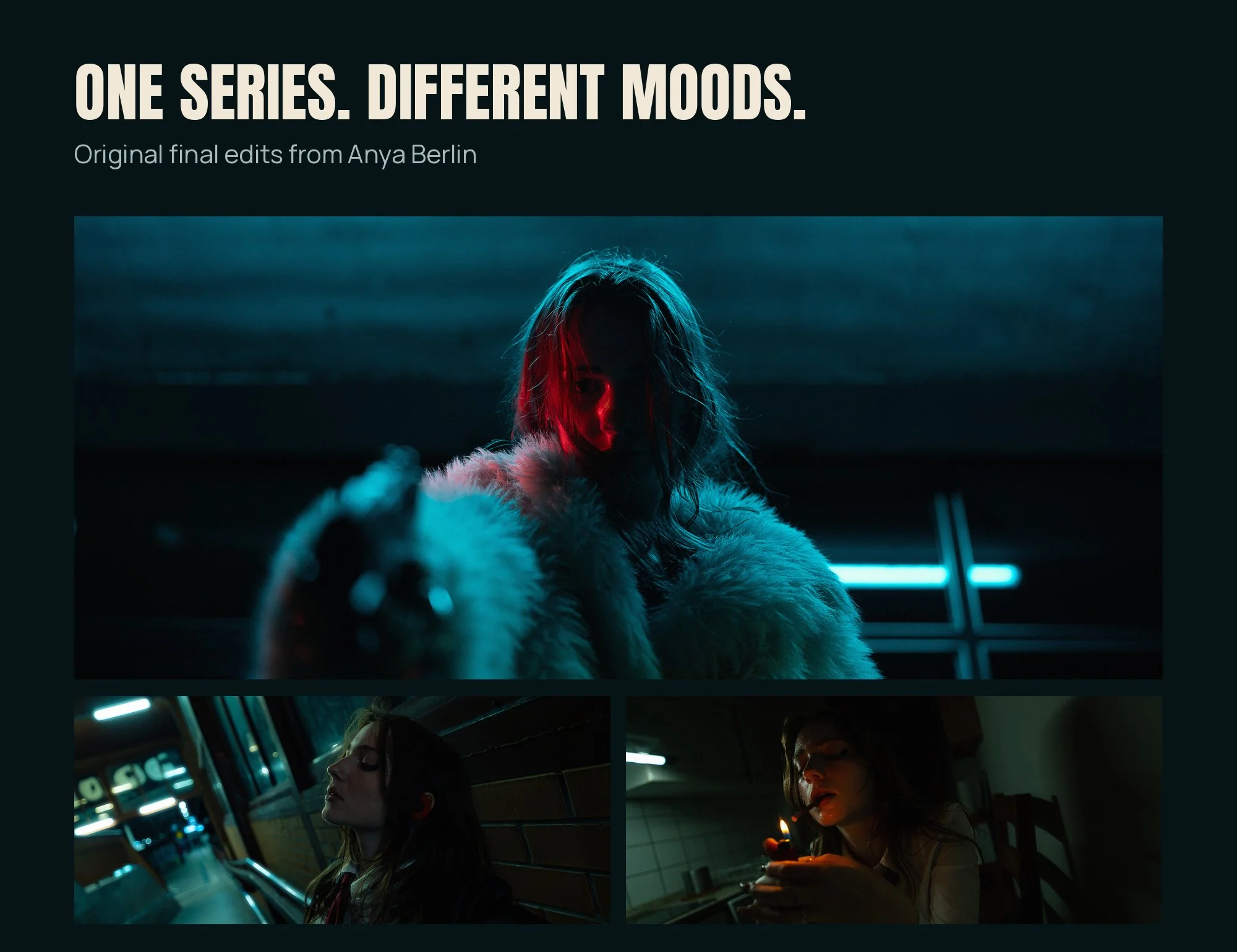 Image 2 of 5
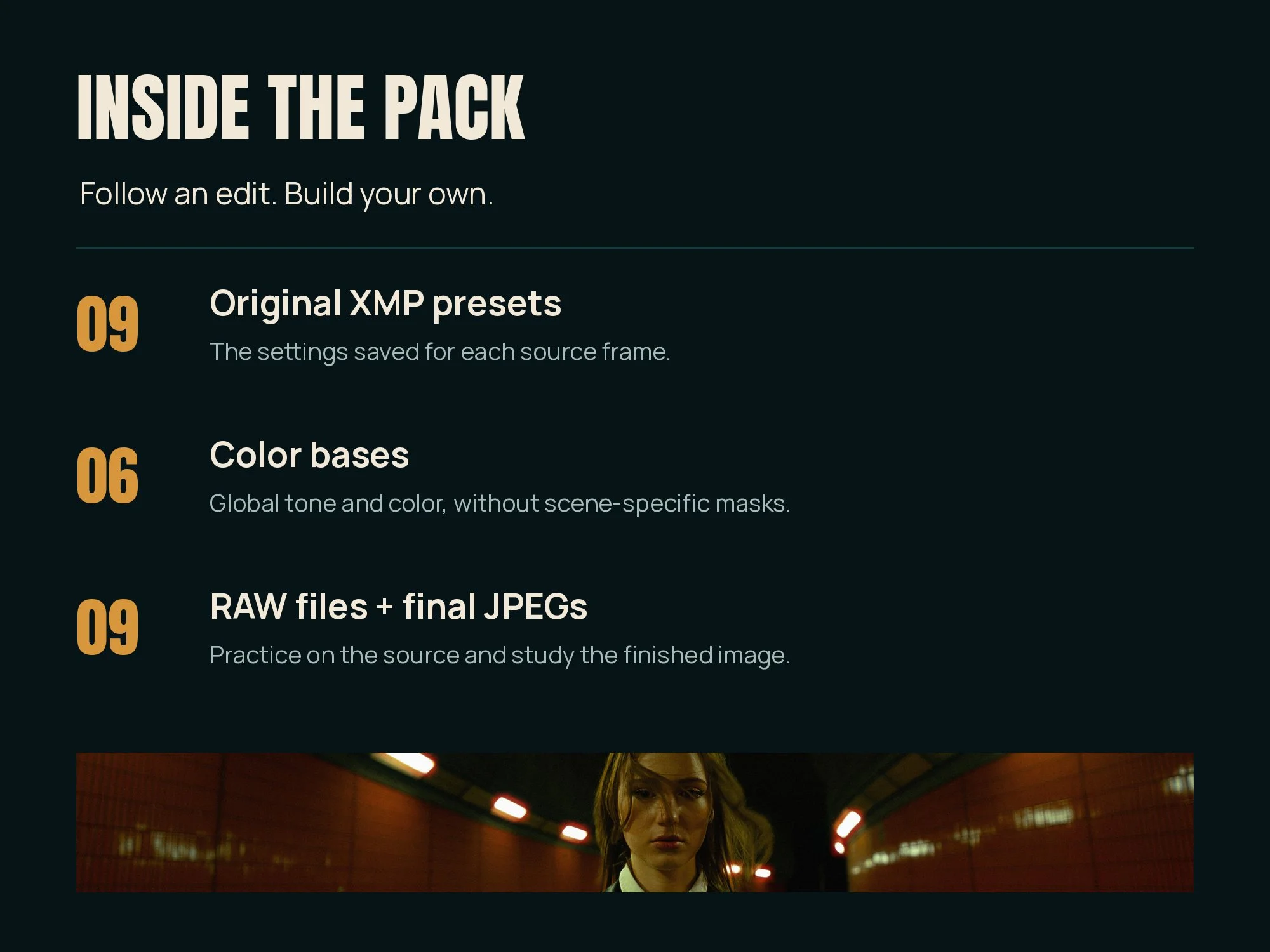 Image 3 of 5
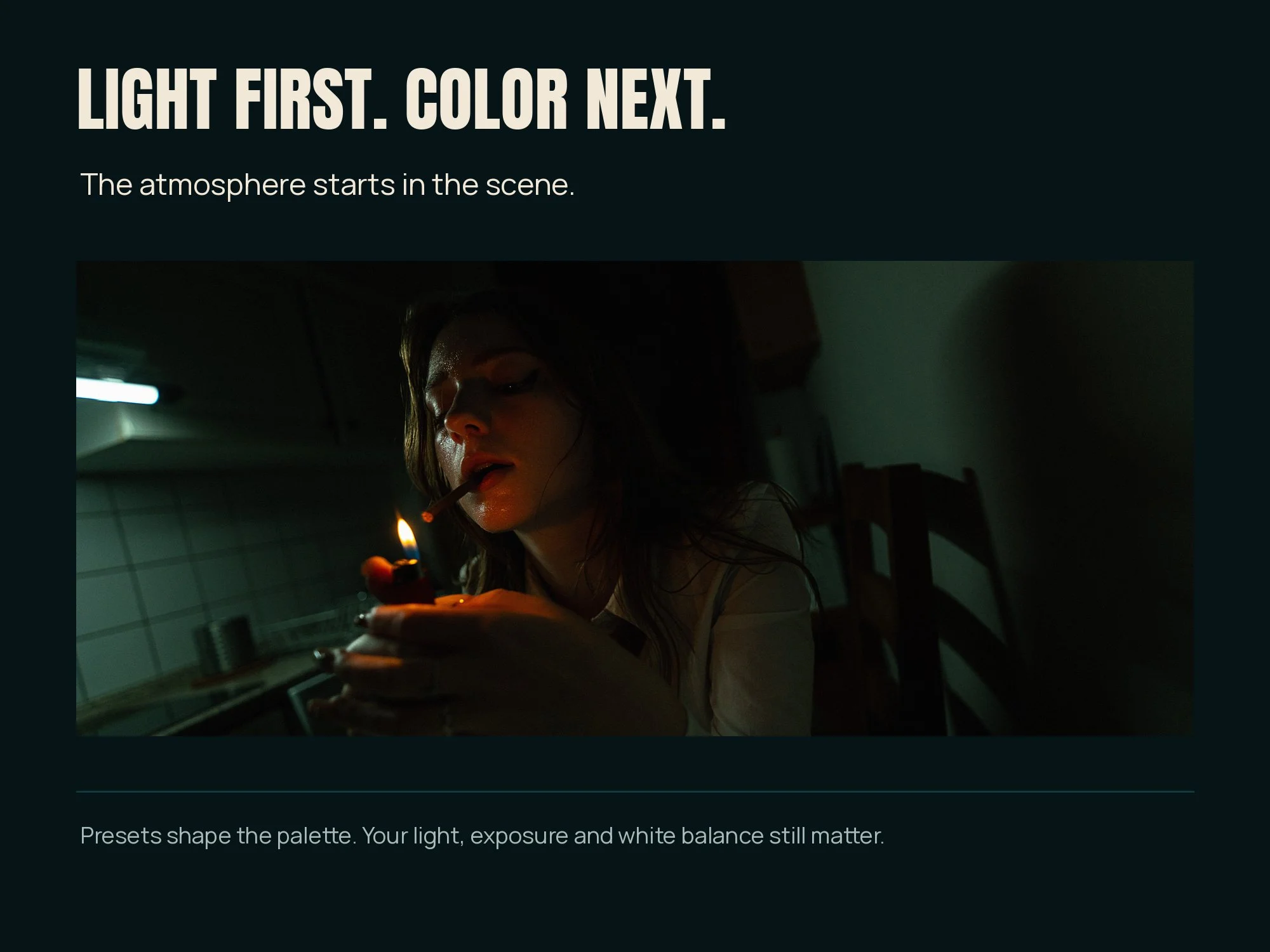 Image 4 of 5
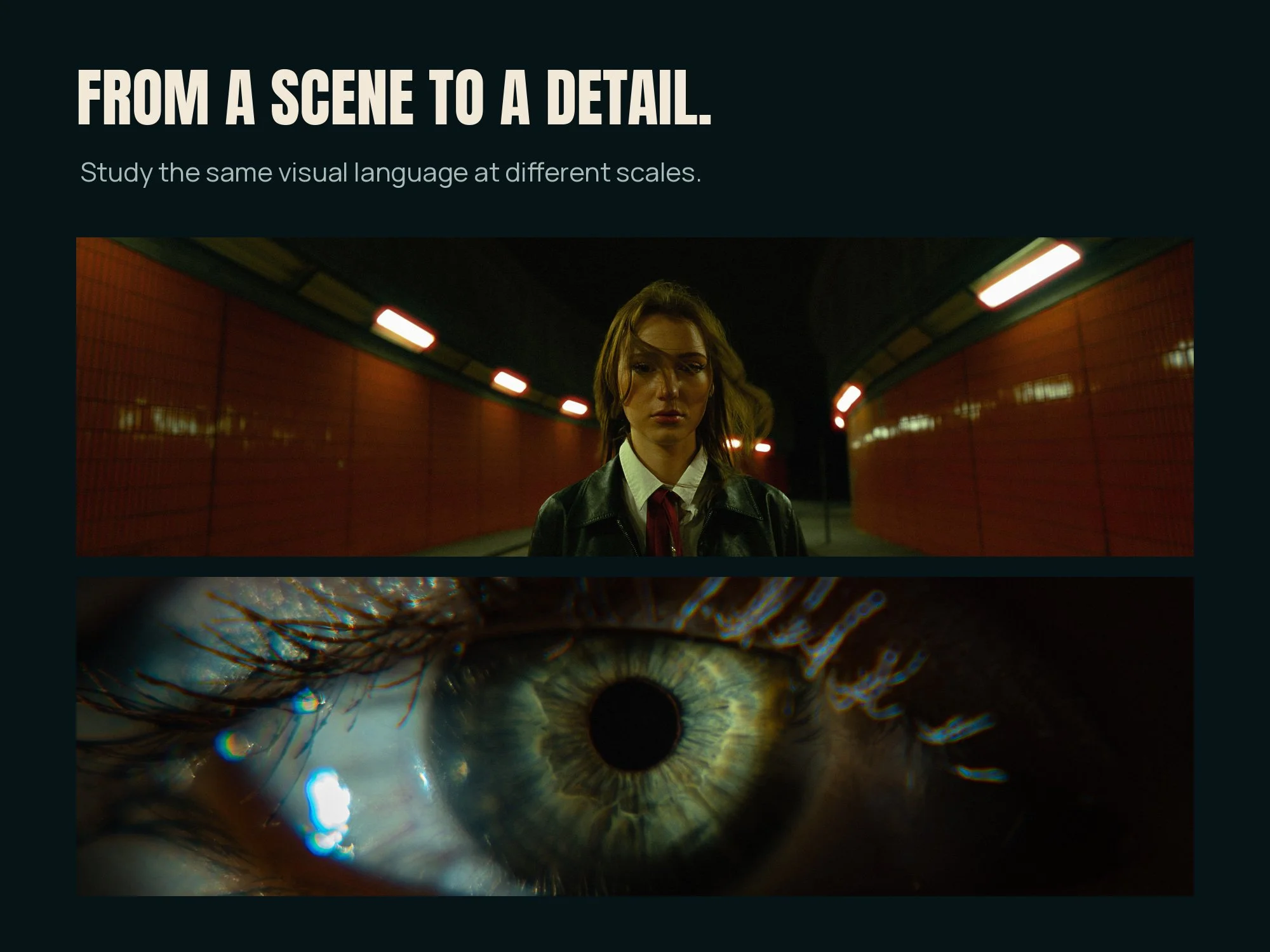 Image 5 of 5
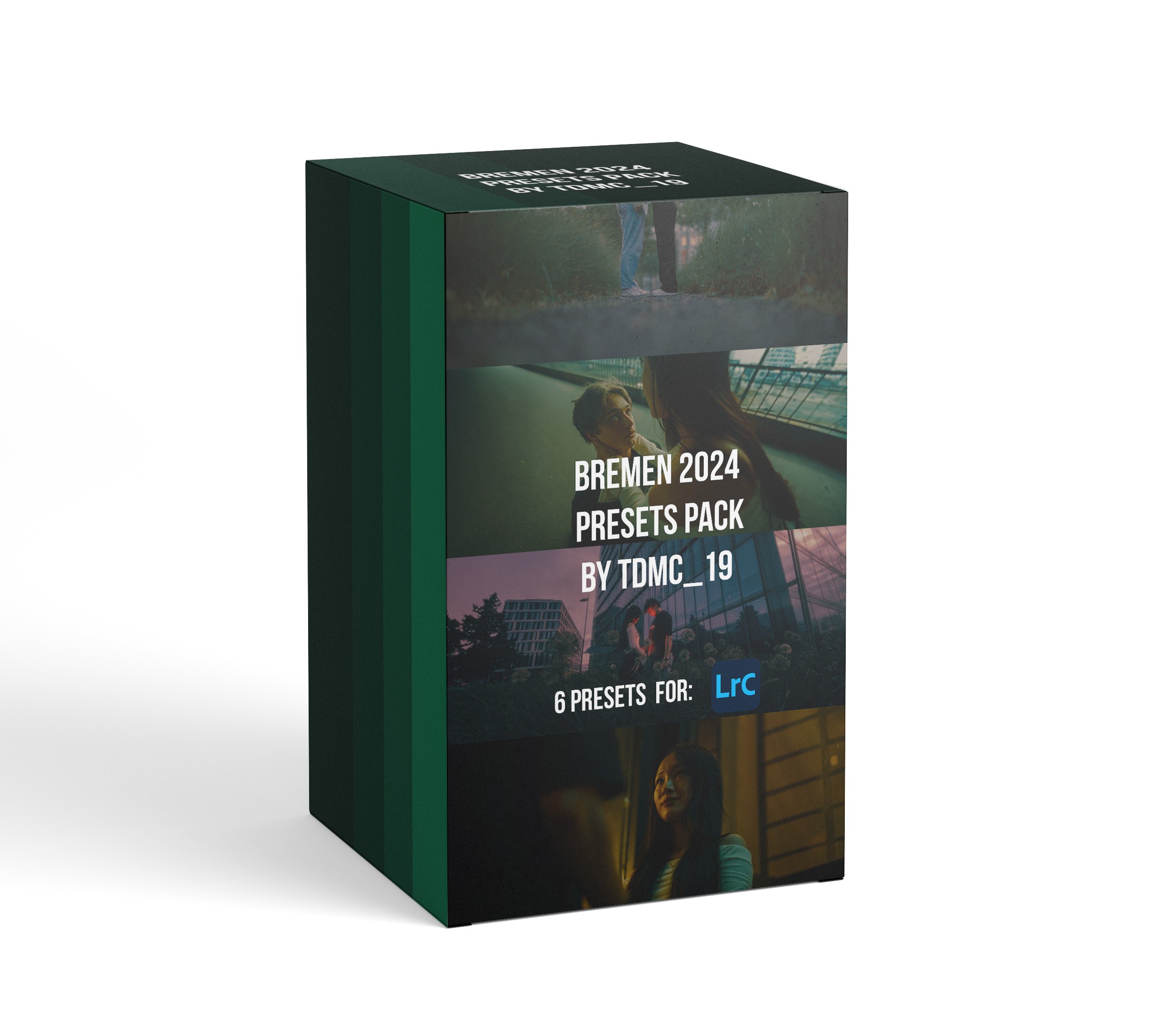
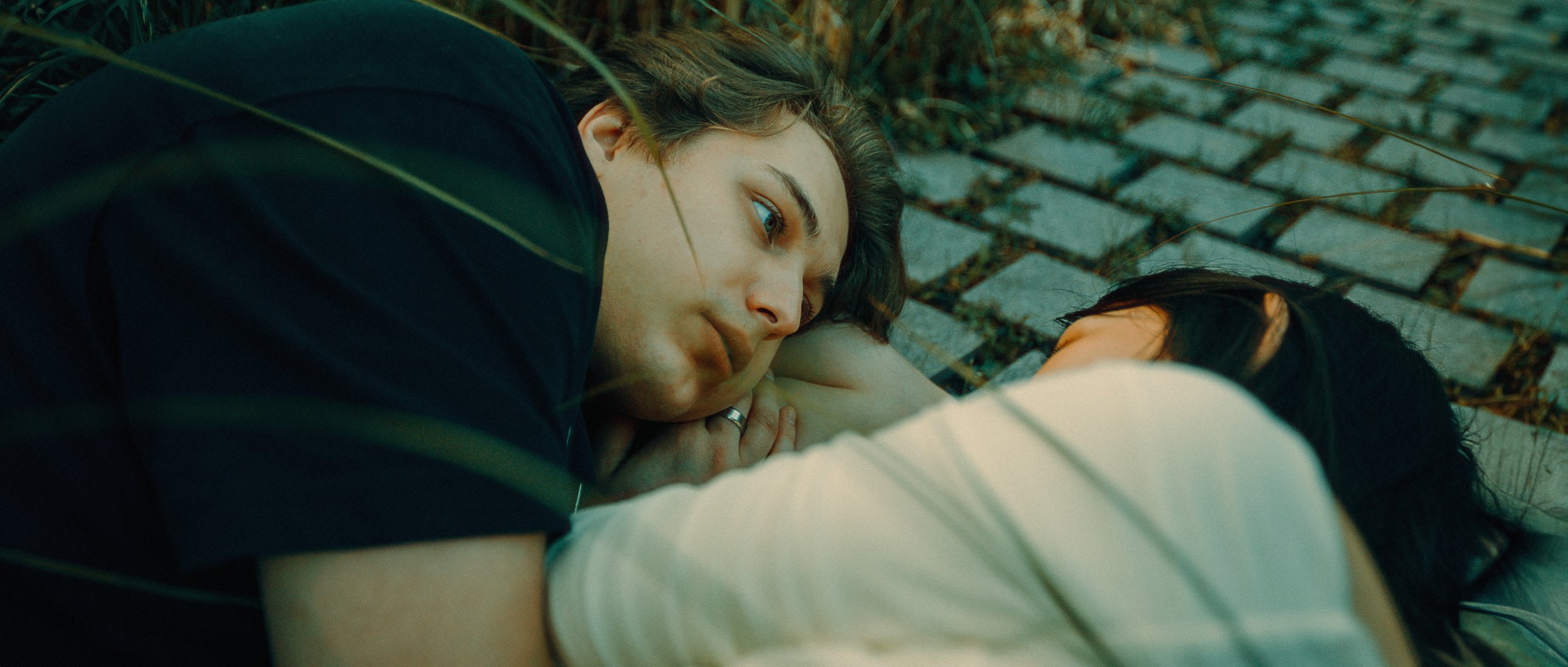
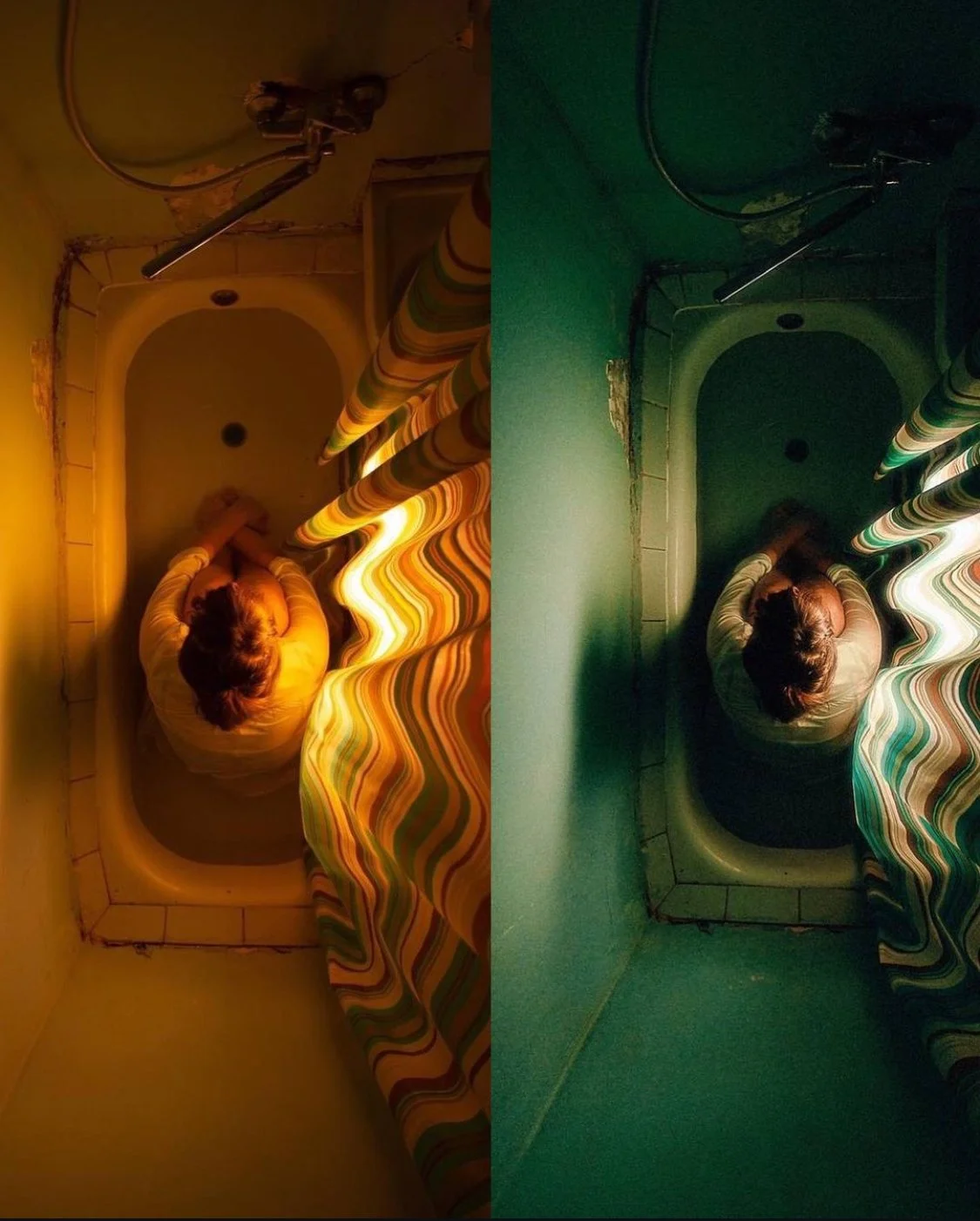
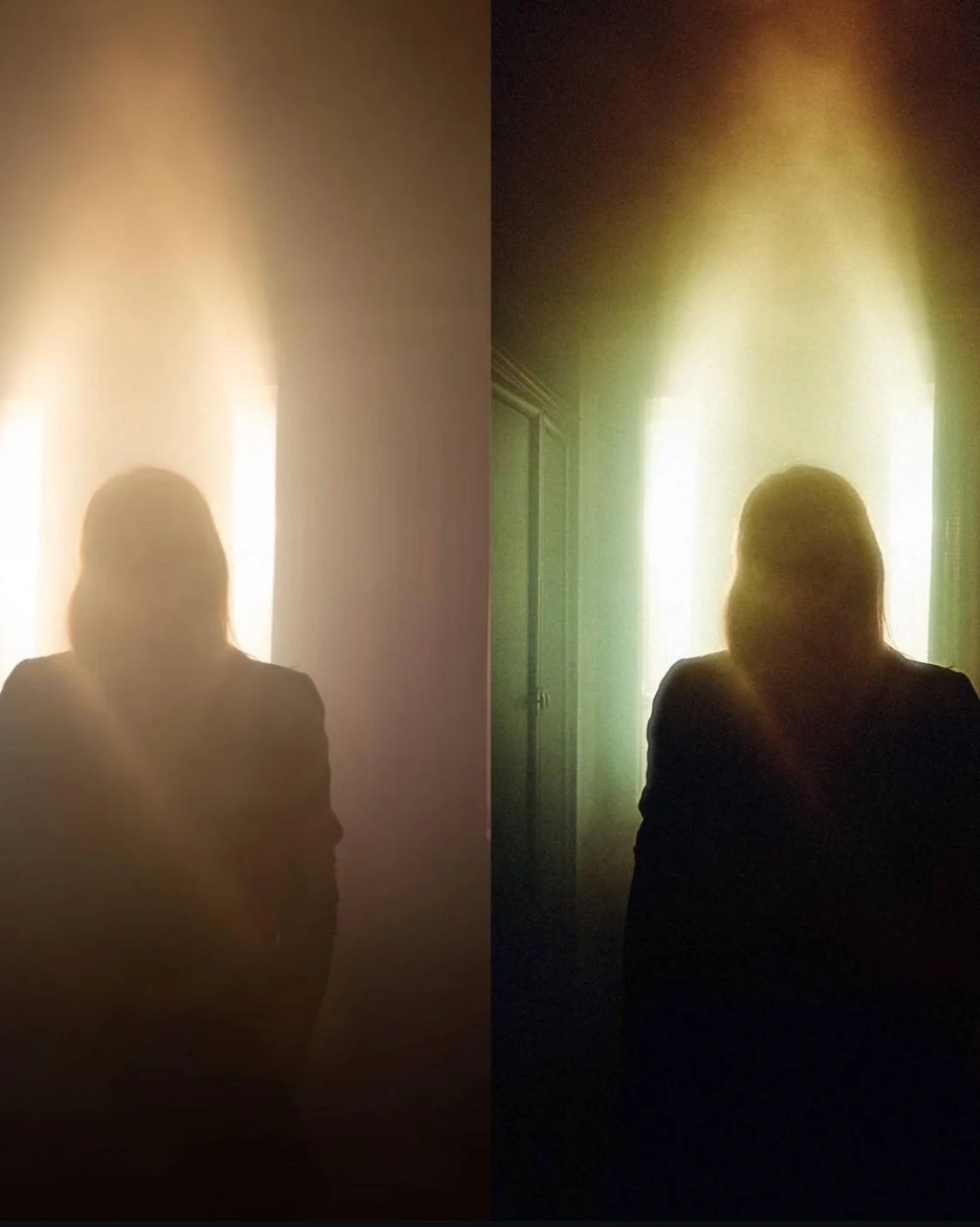
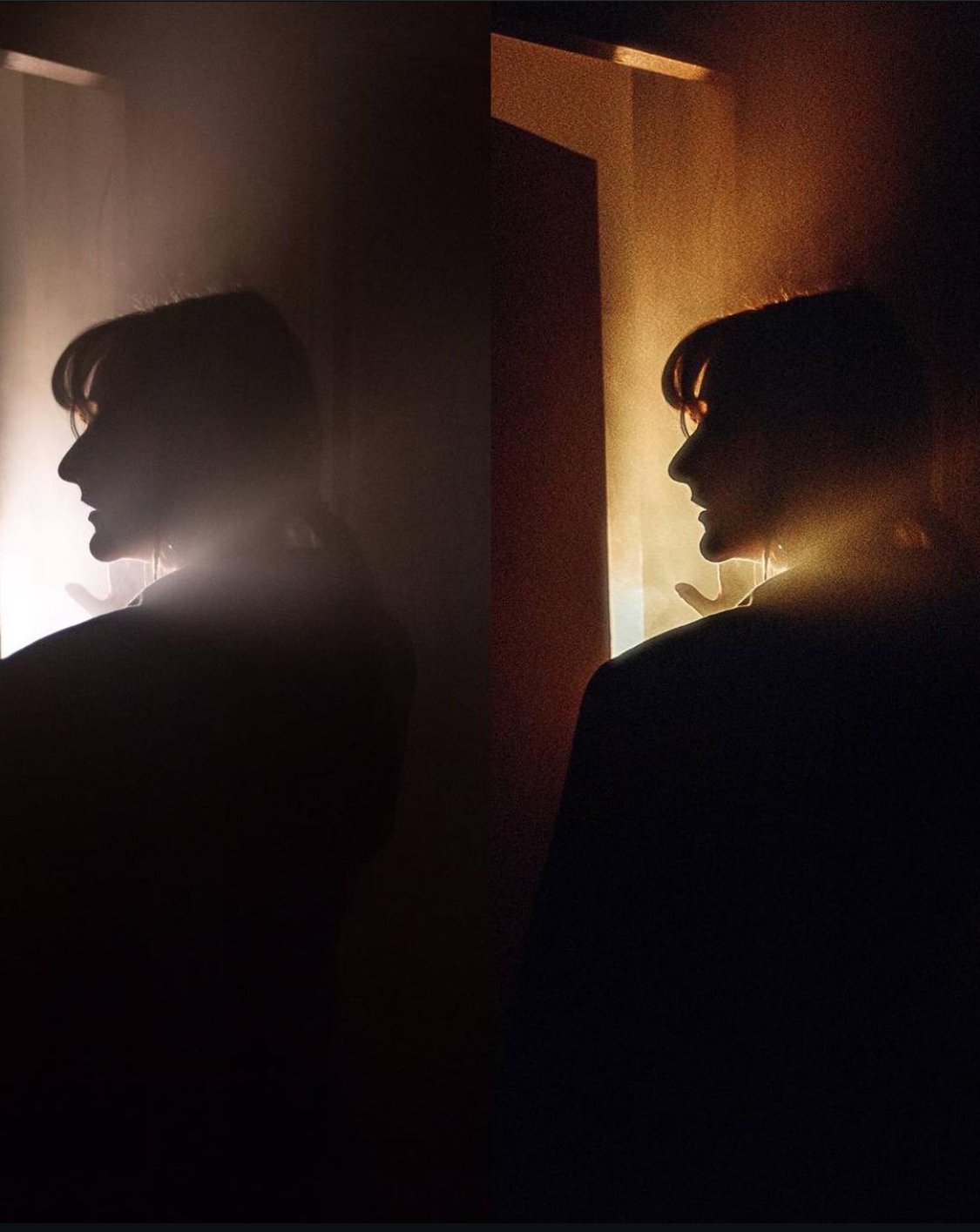
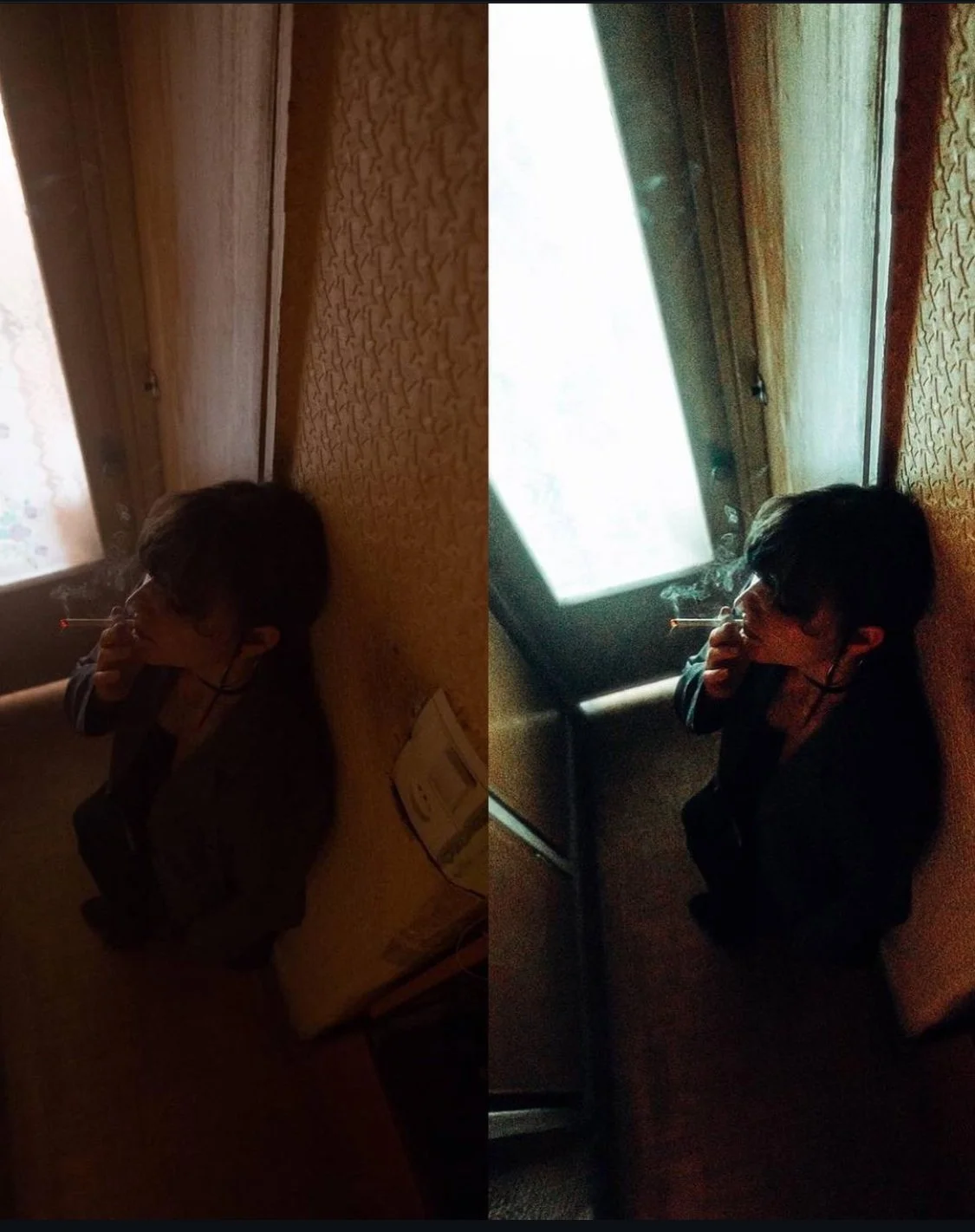
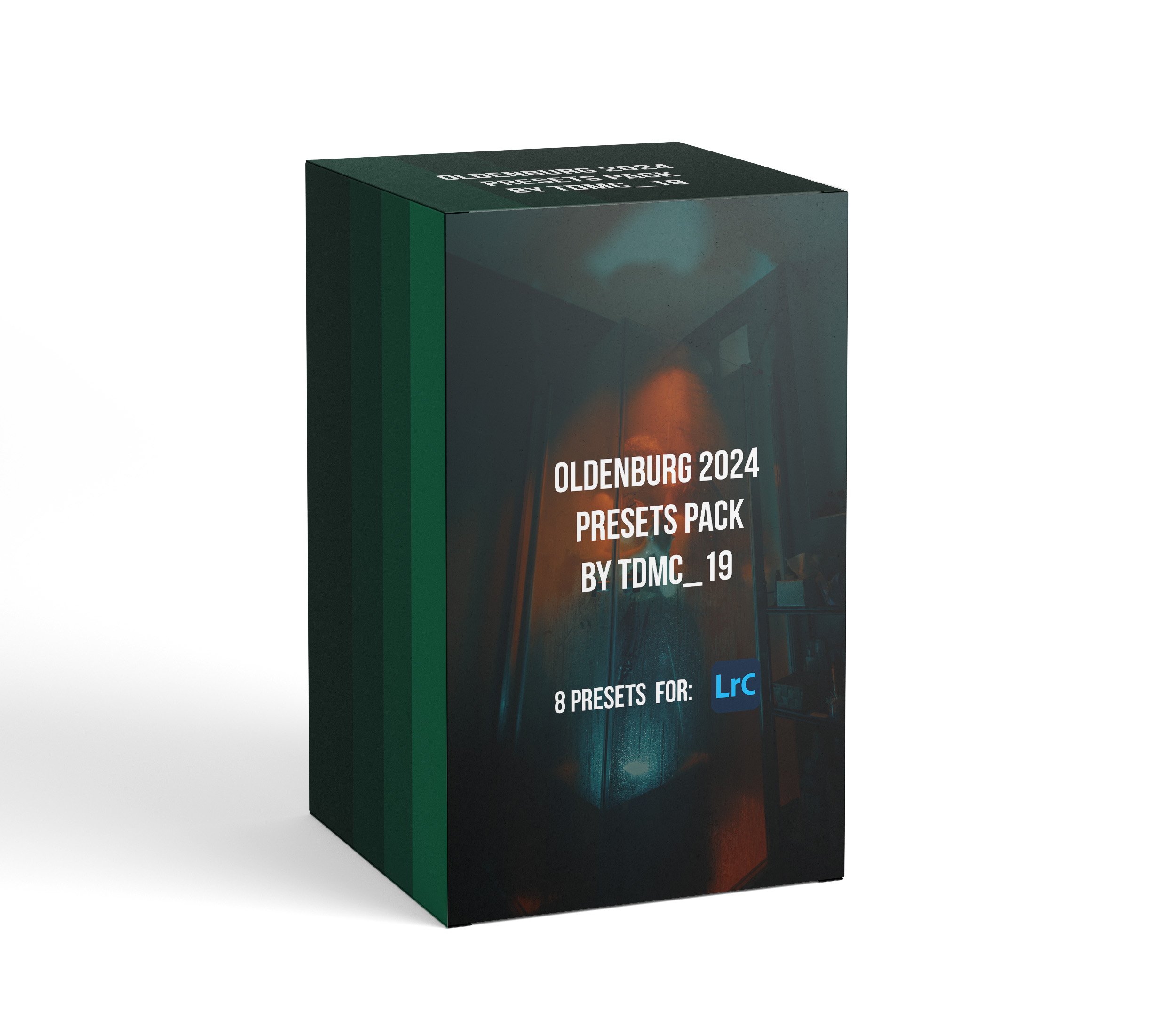
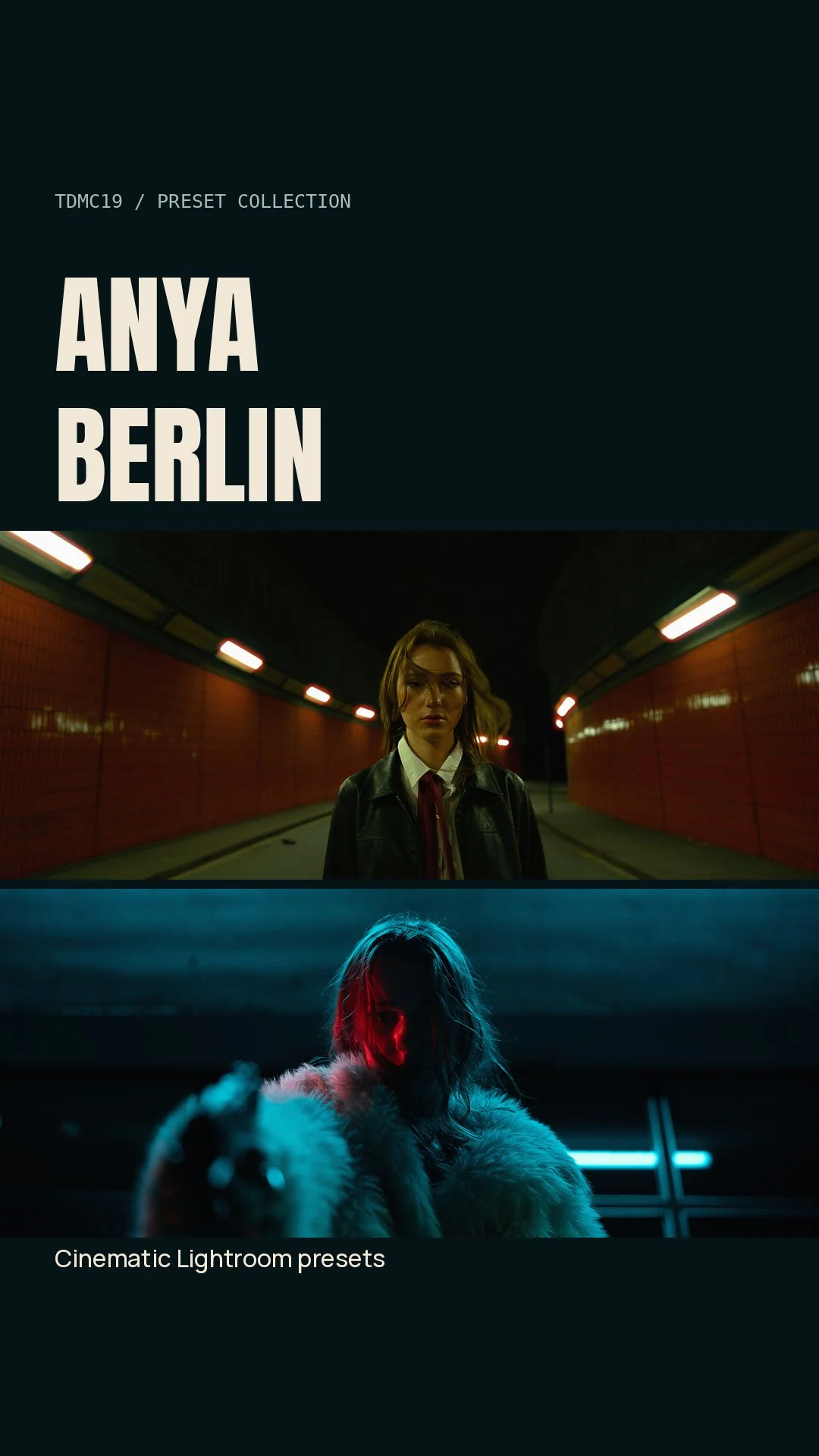
The colours from my Berlin series, with the files behind them. 6 colour presets, 9 original edit presets, 9 RAW files and 9 final JPEGs to explore in Lightroom.
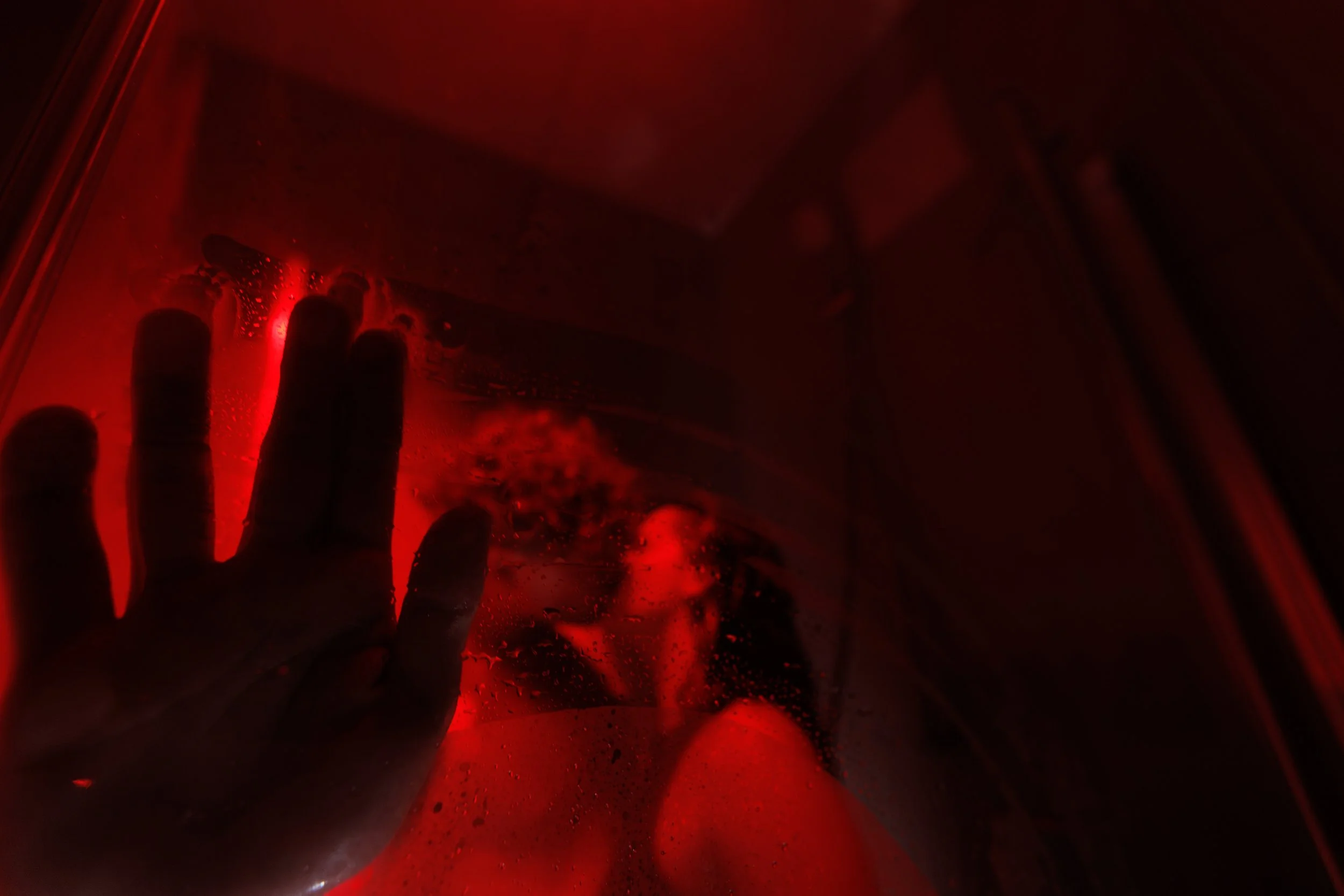
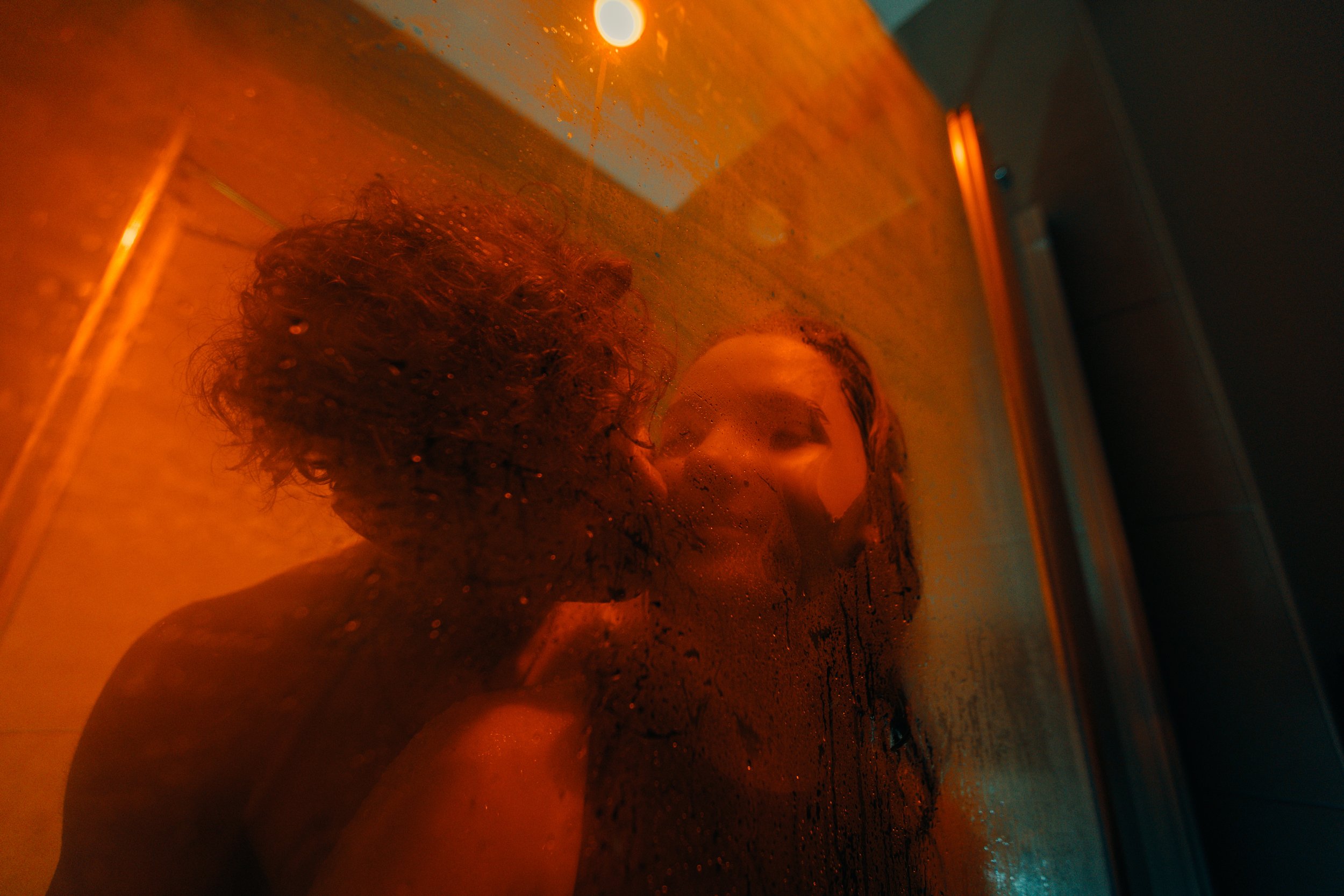
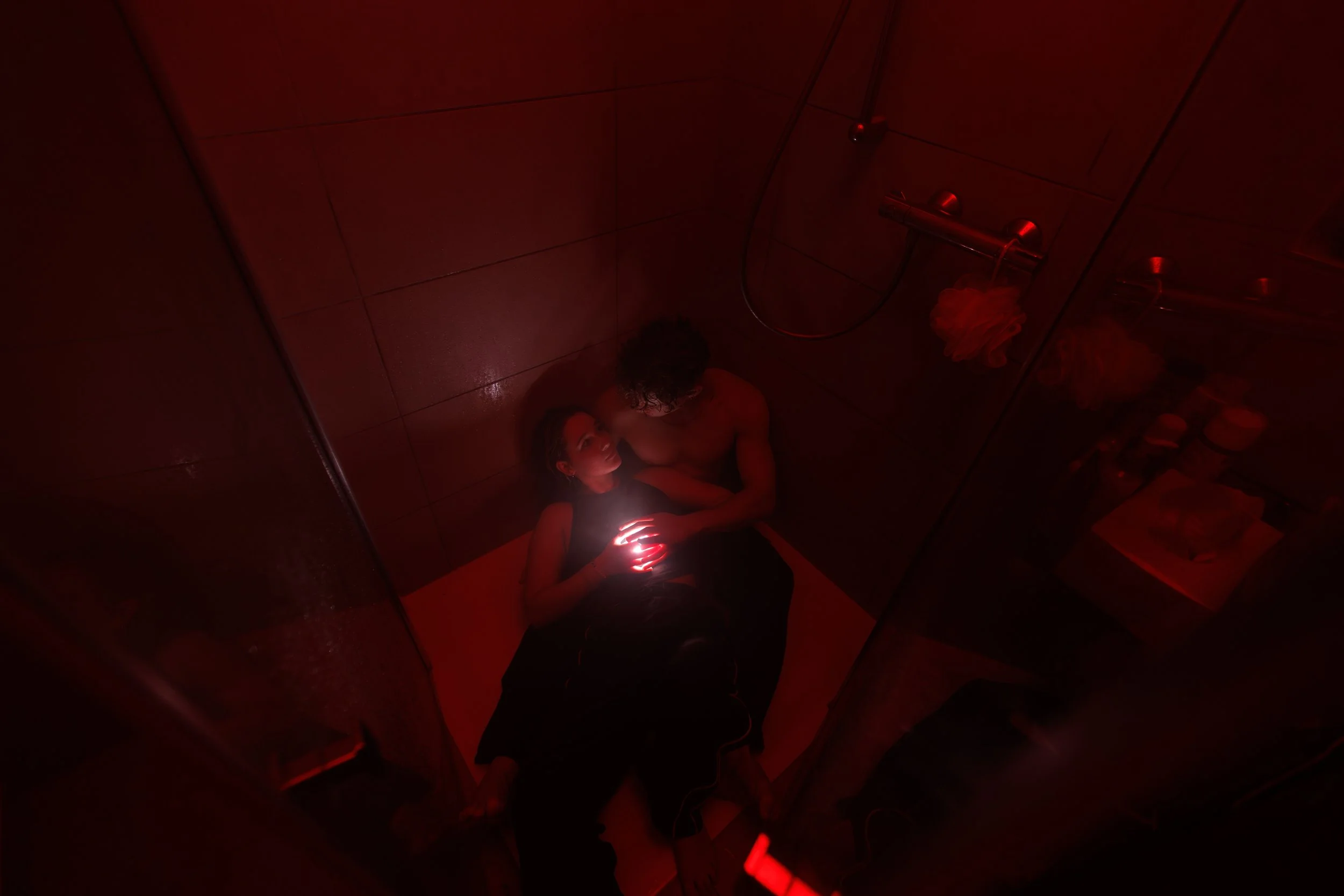
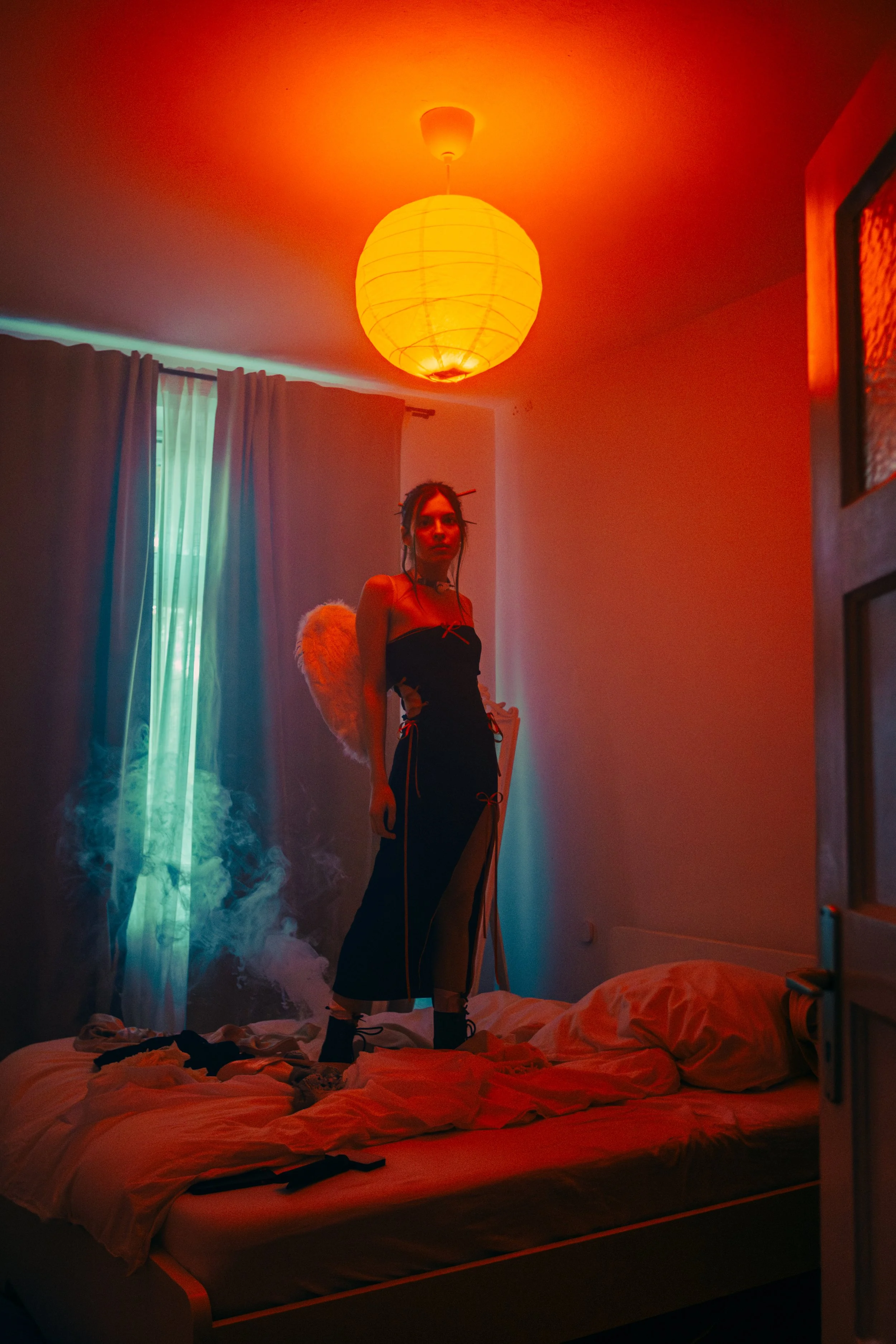
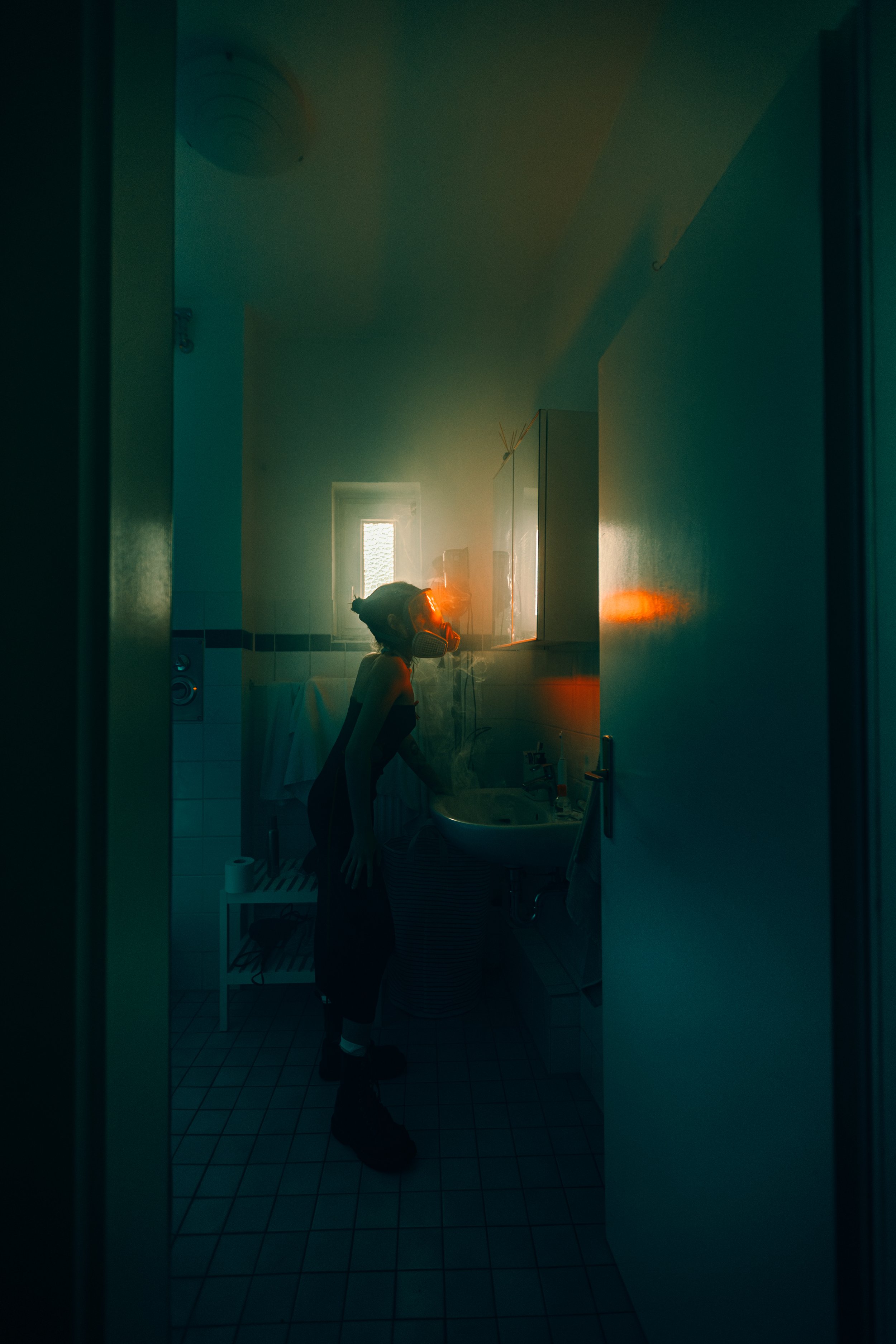
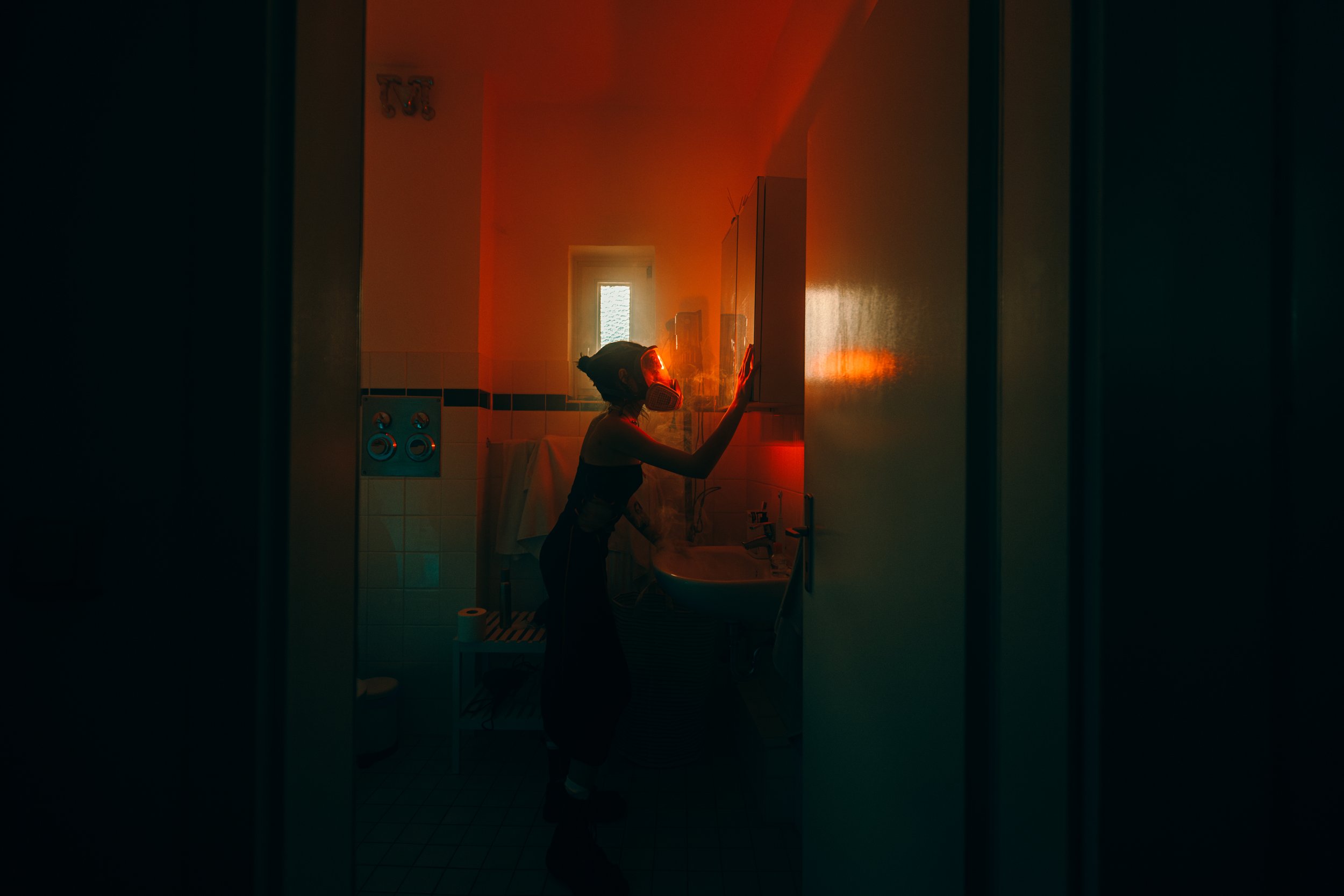
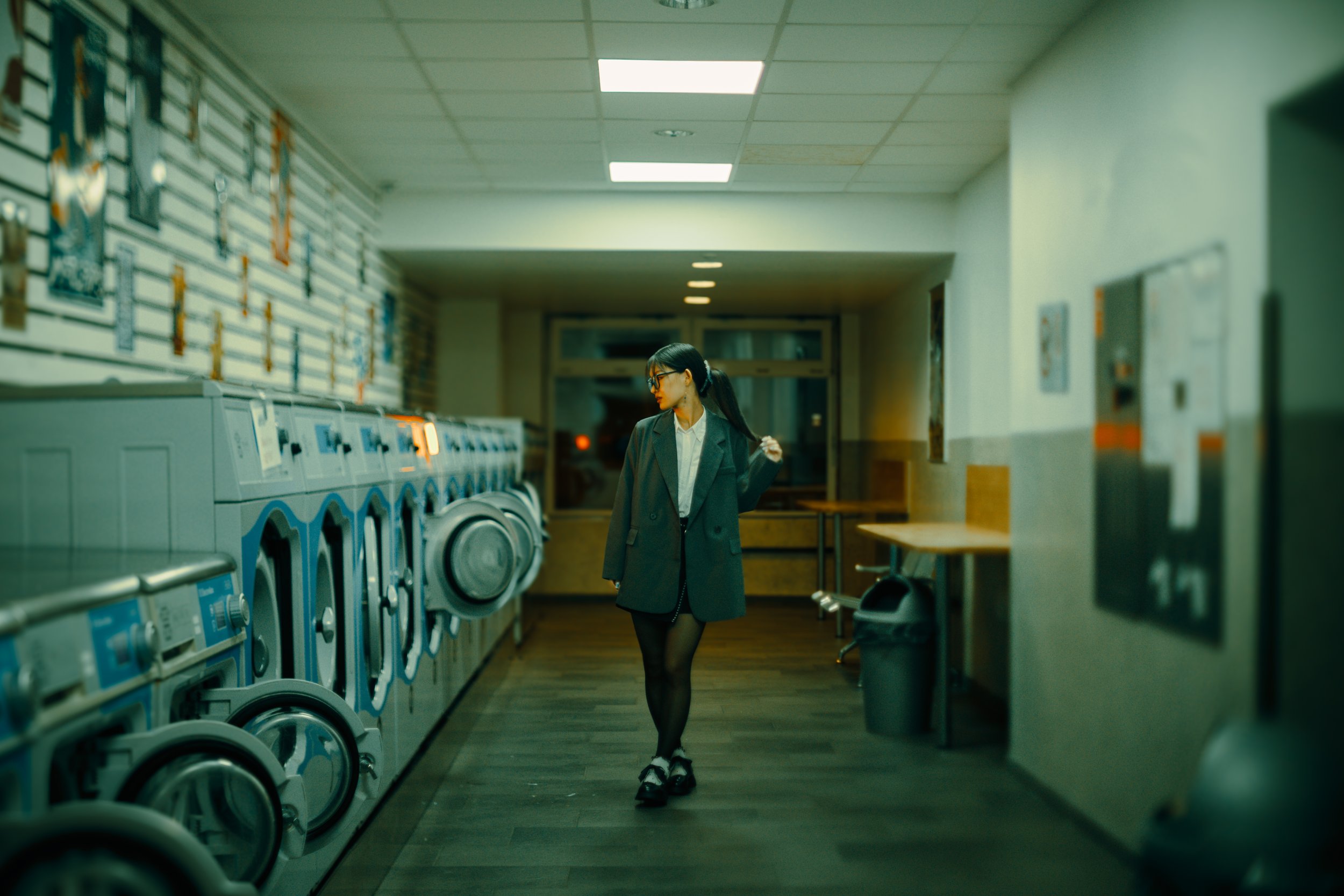
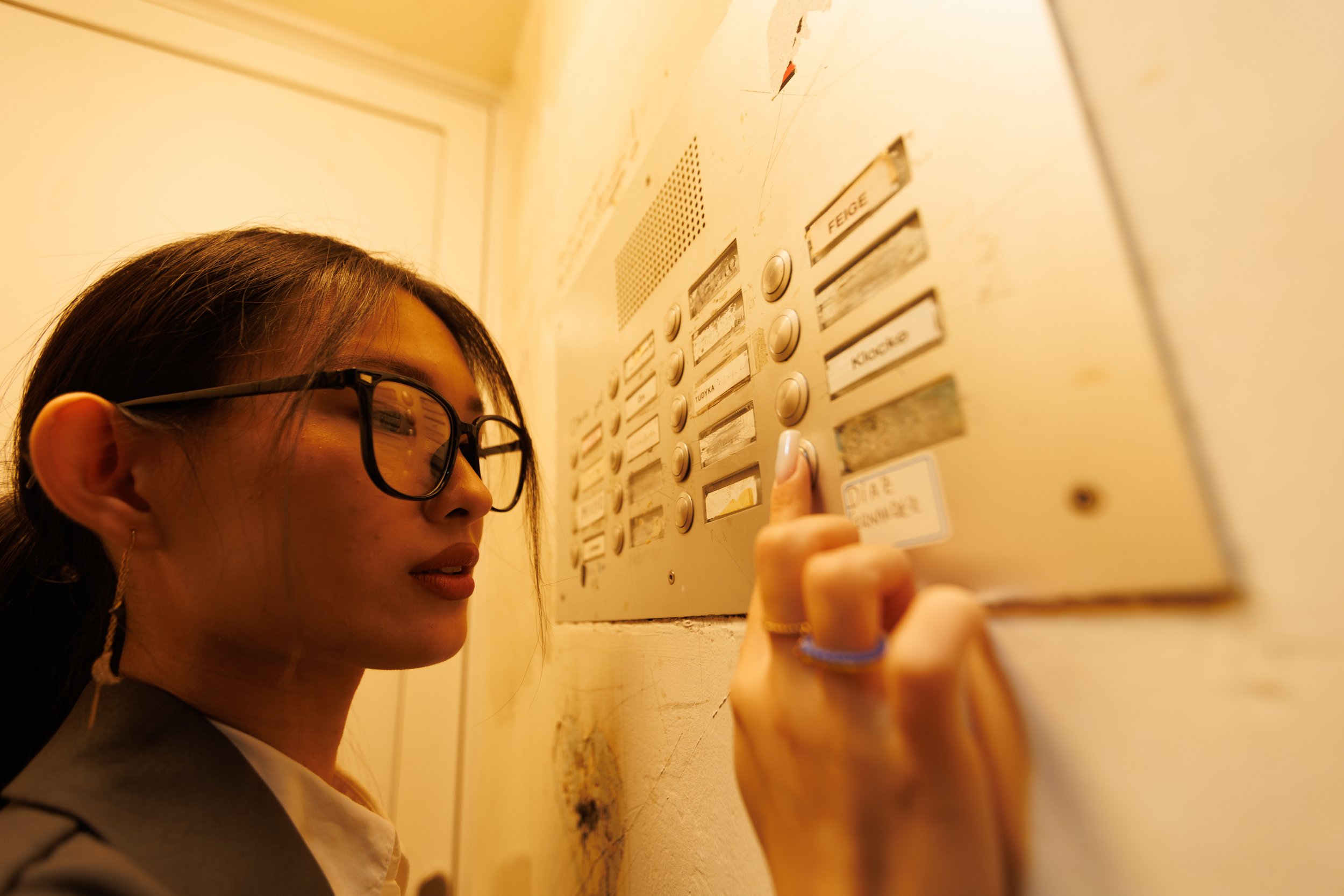
I made this pack from my shoots with Anya in Berlin — cold metal, red corridors, cyan light and small moments of warmth.
Inside are the colour settings from the series and the actual RAW files, so you can try your own edit and compare it with mine.
What’s inside:
• 6 colour presets in XMP format — the distinct colour bases from the series, prepared as starting points for your own photos.
• 9 original edit presets — one for each reference image, with the original white balance, exposure and local adjustments preserved.
• 9 original Sony ARW files to practise on.
• 9 final JPEGs for reference, up to 3000 px wide.
• A written installation and editing guide, with a clear file-to-preset map.
Start with a colour preset on your own image, adjust the white balance and exposure, then shape the light for the scene. Or open one of the included RAW files and explore the corresponding original edit.
The lighting is already part of the photographs. The presets help you work with colour and tone; they won’t add the red light, smoke or reflections from these scenes to another photo.
The colours from my Berlin series, with the files behind them. 6 colour presets, 9 original edit presets, 9 RAW files and 9 final JPEGs to explore in Lightroom.
I made this pack from my shoots with Anya in Berlin — cold metal, red corridors, cyan light and small moments of warmth.
Inside are the colour settings from the series and the actual RAW files, so you can try your own edit and compare it with mine.
What’s inside:
• 6 colour presets in XMP format — the distinct colour bases from the series, prepared as starting points for your own photos.
• 9 original edit presets — one for each reference image, with the original white balance, exposure and local adjustments preserved.
• 9 original Sony ARW files to practise on.
• 9 final JPEGs for reference, up to 3000 px wide.
• A written installation and editing guide, with a clear file-to-preset map.
Start with a colour preset on your own image, adjust the white balance and exposure, then shape the light for the scene. Or open one of the included RAW files and explore the corresponding original edit.
The lighting is already part of the photographs. The presets help you work with colour and tone; they won’t add the red light, smoke or reflections from these scenes to another photo.